
—Blog
Airbnb Security Camera Rules: What Hosts Need to Know
 PreArrive
·
·
5 min read
PreArrive
·
·
5 min read
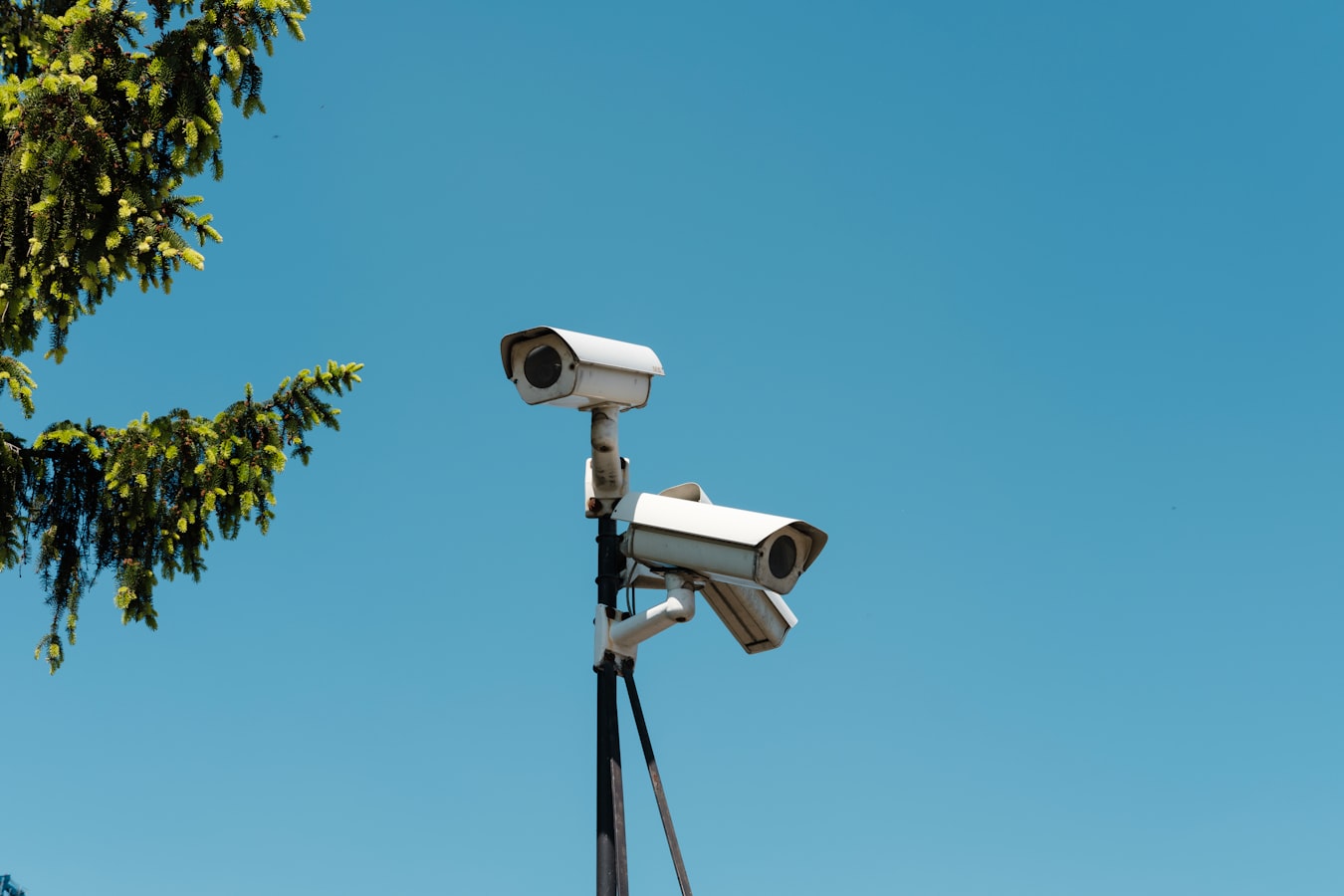
Airbnb Security Camera Rules: What Hosts Need to Know
Cameras at a short-term rental are a reasonable safety measure. They are also a fast way to get your listing suspended if you place them wrong or skip disclosure. This guide covers what Airbnb actually requires, where cameras can and cannot go, how to disclose them correctly, and why disclosure alone leaves a gap in your documentation.
What Airbnb Security Camera Rules Actually Say
Airbnb's security camera rules require hosts to disclose any security cameras or recording devices on the property before a guest books. The disclosure must happen in the listing itself, not in a message after booking.
As of the most recent policy update, Airbnb went further: hosts may not use security cameras inside the property at all, even in common areas, even if disclosed. Interior cameras are prohibited. Full stop.
The only cameras Airbnb permits are exterior cameras covering areas like driveways, front doors, and outdoor common spaces. Those must still be disclosed in the listing. Hidden cameras anywhere on the property violate Airbnb's policies and can result in permanent removal from the platform.
The practical rule is simple: outdoors and disclosed, yes. Indoors, no.
Where Cameras Are Allowed and Where They Are Not
Allowed (with disclosure):
- Exterior front door or entryway
- Driveway and parking areas
- Outdoor decks, patios, or yards that guests use
Not allowed:
- Bedrooms
- Bathrooms
- Interior living spaces (living room, kitchen, hallways inside the home)
- Any space where a guest has a reasonable expectation of privacy
The line Airbnb draws is indoors versus outdoors. Even a camera pointed at an interior door from inside the home crosses the line. If you are unsure whether a placement qualifies, treat it as prohibited until you can confirm otherwise.
How to Disclose Cameras in Your Listing (and Do It Right)
Airbnb provides a specific field in the listing setup for disclosing security devices. You must use it. Burying disclosure in a house rules paragraph or a welcome book is not sufficient.
Your disclosure should cover:
- What type of device (video camera, doorbell camera, noise monitor)
- Where it is located (front door, driveway, backyard)
- Whether it records continuously or only on motion
Be specific. "Security cameras may be present" is vague and can create friction if a guest feels misled. "A motion-activated video doorbell camera faces the front entry" is clear.
Noise monitors are a separate category. Airbnb allows indoor noise monitors that measure decibel levels but do not record audio or video. If you use one, disclose it the same way you would a camera.
For tips on how camera and noise policies fit into your broader rule set, short term rental rules guests actually read covers how to structure disclosures so guests actually take them in.
Why Disclosure Alone Is Not Enough
Listing disclosure tells guests that cameras exist. It does not create a record that a specific guest read and acknowledged that disclosure before they arrived.
This matters when something goes wrong. If a guest files a complaint claiming they did not know about the exterior camera, your listing language is evidence but it is passive evidence. You cannot prove when or whether the guest read it.
The same problem applies to other house rules. How to charge Airbnb guests for damages and actually win makes the same point: what you wrote is less useful than proof that the guest confirmed they read it.
Disclosure in a listing is necessary. It is not sufficient on its own.
How a Signed Acknowledgment Fills the Gap
A signed acknowledgment creates an active record. The guest reviews your rules and disclosures, including your camera disclosure, and confirms they have seen them. That action gets timestamped.
This is where PreArrive is useful. Before check-in, guests receive your house rules and property disclosures to review. When they acknowledge them, PreArrive generates a timestamped evidence certificate tied to that booking. If a guest later claims they had no idea about the exterior camera, you have a dated record showing otherwise.
That record does not guarantee any particular outcome in a dispute. It does give you something concrete to submit to Airbnb or another party instead of pointing to a listing page. For more on how acknowledgment records support your documentation, see vacation rental check-in agreement explained.
One More Thing: Local Laws May Go Further
Airbnb security camera rules set a platform-level floor. Your city or state may require additional disclosures, restrict exterior cameras near property lines, or have rules about noise monitors and audio capture. Some jurisdictions treat doorbell cameras as surveillance devices with their own notice requirements.
This article is not legal advice. Before you finalize your camera setup, confirm the local rules with an attorney familiar with short-term rental law in your area. What Airbnb permits and what your city allows are two separate questions.
The short version: disclose every device in your listing, place cameras only outside, get a signed acknowledgment of your disclosures before guests arrive, and check your local rules. That combination gives you a reasonable documentation trail without putting your listing at risk.
PreArrive collects the signed acknowledgment before check-in — the half of the file most denied claims are missing.